Pricing
FormMaker creates and manages real Google Forms in your own Google account — on the iPhone app and in the web app at formmaker.us/app. Start free; upgrade when you need more.
Web plans are billed monthly or yearly. Yearly saves 25–33%. Prices in USD; applicable taxes are shown at checkout.
| Free | Bronze | Silver Most popular | Gold | |
|---|---|---|---|---|
| Monthly | $0 | $4.99 / month | $9.99 / month | $19.99 / month |
| Yearly | — | $39.99 / year ($3.33 / month) | $89.99 / year ($7.50 / month) | $179.99 / year ($15 / month) |
| Google Forms you can create | 5 in total | Unlimited | Unlimited | Unlimited |
| AI form builder | — | 20 / month | 100 / month | 400 / month |
| AI response analysis | — | 10 / month | 50 / month | 200 / month |
| Google Sheets connection | — | Included | Included | Included |
| Edit forms, view & manage responses | Included | Included | Included | Included |
| Priority email support | — | — | — | Included reply within 1 business day |
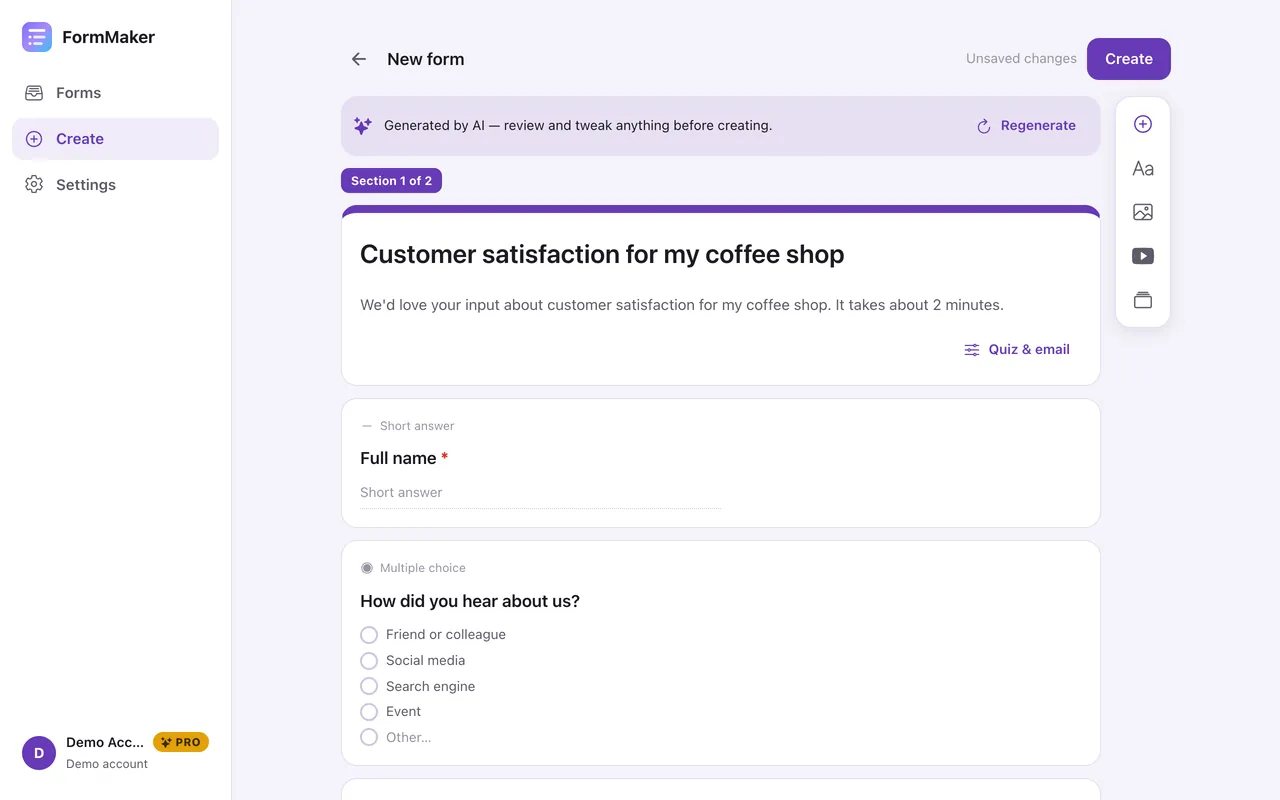
- AI form builder: describe a form or quiz in one sentence and get a complete, editable Google Form.
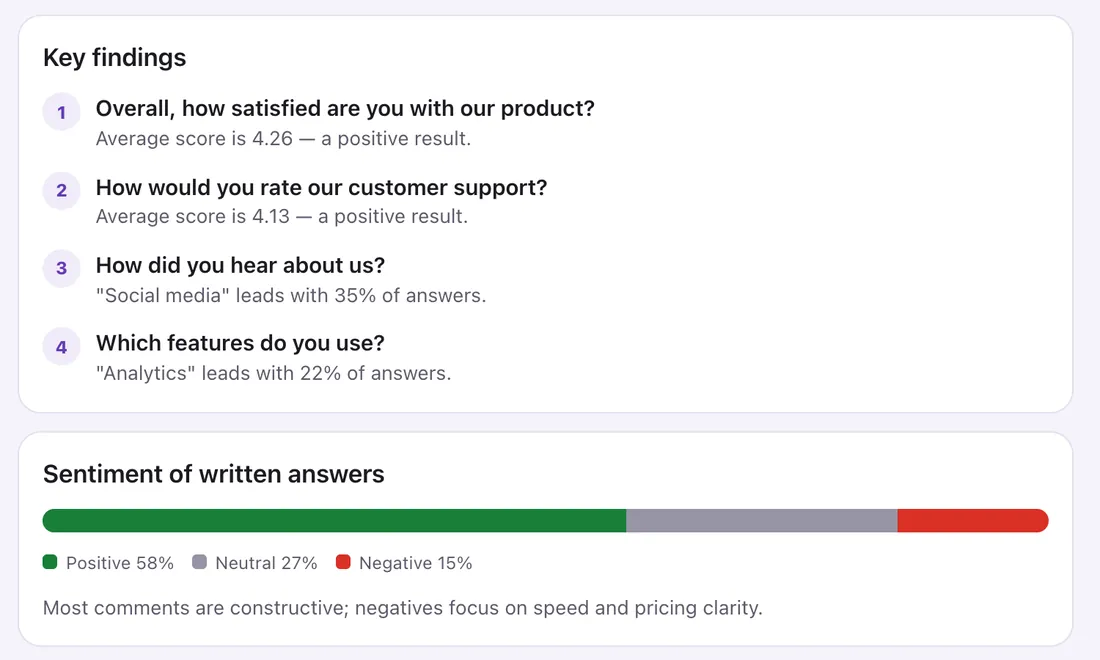
- AI response analysis: key findings, sentiment and recommended next steps from a form's responses.
- AI allowances reset on the 1st of each month (UTC); unused requests don't carry over. Your forms and responses always stay in your own Google account.
- AI use is subject to our Acceptable Use Policy — no sexual/NSFW, hateful, deceptive or illegal content.
Open the web app, sign in with Google and choose a plan under Settings → Upgrade.
Which plan is right for you?
- Free fits a one-off need: an event RSVP, a class sign-up sheet or a short survey. You get 5 forms, and every form you already own in Google Forms can be imported and edited without using one of them.
- Bronze is for people who make forms every week but write most of them by hand: unlimited forms, the Google Sheets connection, and enough AI for a few drafts and summaries a week.
- Silver suits teachers, small businesses and team leads who use AI as their normal way to start a form or quiz (about three AI forms a day) and want a summary of responses for most forms they send.
- Gold is for heavy users and small teams sharing one account: hundreds of AI forms and analyses a month, plus priority email support.
Not sure? Start on Free, then upgrade from the web app when you hit a limit. Paid plans unlock immediately and your existing forms carry over, because they were in your Google account all along.
To see what the AI requests are for, look at the AI form generator and the AI quiz maker. Starting from one of the ready-made templates works on every plan, Free included.
Still deciding whether you need a paid tool at all? Our guides on what Google Forms itself costs, the best AI Google Form generators and FormMaker vs Jotform AI lay out the options honestly.
What every plan includes
- Real Google Forms, created and stored in your own Google Drive. Forms and responses are read from and written to Google directly, never stored on our servers.
- The everyday Google Forms question types, sections, quizzes with answer keys and point values, and email collection settings.
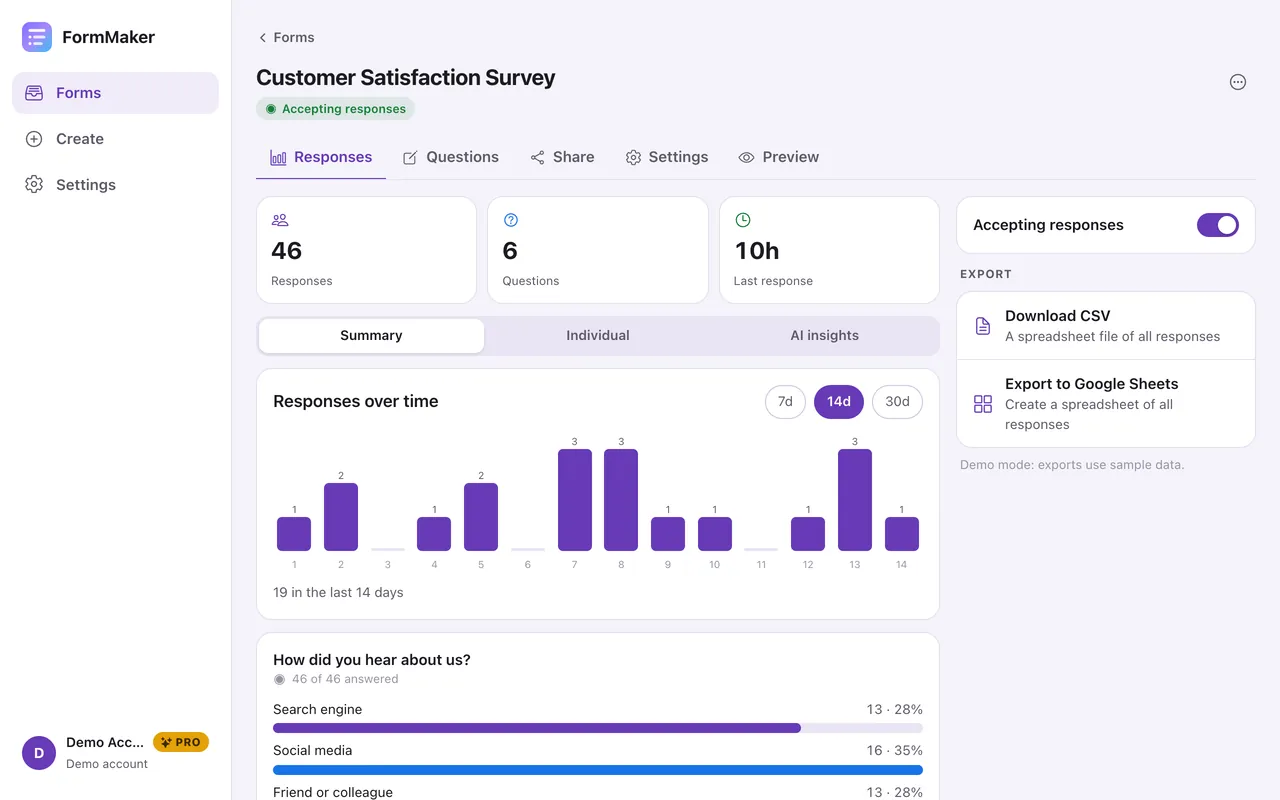
- A responses dashboard with charts per question, quiz score distribution and individual responses, plus CSV download.
- A share link and an embed code for every form.
- 16 ready-made templates for RSVPs, feedback, order forms, quizzes and more.
Billing
- Web subscriptions are sold and billed by our payment partner and Merchant of Record, Creem. Prices may include or add applicable taxes (VAT/sales tax), shown at checkout.
- Subscriptions renew automatically at the end of each billing period until cancelled.
- Change plan or cancel any time in the web app under Settings → Manage subscription. Cancellation stops the next renewal; Pro stays active until the end of the period you already paid for.
- Payments are non-refundable — see the Refund Policy. All our policies are listed on the Legal page.
- iPhone subscriptions are purchased through the Apple App Store, billed by Apple and managed in your Apple ID settings. iPhone Pro is a single plan with its own App Store price; web and iPhone subscriptions are separate.
Frequently asked questions
Can I use FormMaker for free?
Yes. The Free plan lets you create 5 Google Forms in total, and edit any form, view responses, download them as CSV and share links without limits. You don't need a card to start.
Does importing an existing Google Form use one of my 5 free forms?
No. Only forms you create in FormMaker (blank, from a template or with AI) count. Importing a form you already have in Google Forms doesn't.
What counts as one AI request?
Each time you generate a form with AI, including pressing Regenerate, uses one AI form request. Each time you run an analysis on a form's responses uses one AI analysis request. A request that fails validation never counts.
What happens when I reach my monthly AI limit?
AI features pause until the 1st of next month (UTC), or until you move to a bigger plan. Everything else, including editing forms and reading responses, keeps working.
Can I switch plans later?
Yes. Change plan any time under Settings → Manage subscription in the web app. The new monthly allowance applies straight away; AI requests already used this month still count towards it.
What happens to my forms if I cancel?
Nothing. Your forms and responses live in your own Google account, not on our servers, so they stay exactly where they are. After the paid period ends you are back on the Free plan.
Is my iPhone subscription valid on the web?
No. iPhone Pro is bought through the App Store and web plans through Creem, and the two are separate subscriptions. Pick the one for the device you use most.
Do you offer refunds?
Payments are non-refundable except where the law requires it or in case of a billing error. The details are in the Refund Policy.
Questions about billing? Email [email protected] — we reply within 3 business days, usually within one.